The MyTeams App: Complete Guide for Football Teams
The MyTeams app brings together team management, communication and statistics in one solution for Norwegian football teams. Here's a practical walkthrough of how the app works, what it does best, and how you get the most out of it in everyday use.
What MyTeams solves for football teams
MyTeams is built for what takes the most time in Norwegian grassroots football: getting an overview of who can play, sharing messages that actually get read, and keeping track of training and matches without sending messages to three different places. The app gathers team selection, finances, attendance and match statistics in one place, accessible to parents, players and coaches.
The biggest difference from general group chat solutions is that MyTeams is made for football life: you register playing time directly in the app during the match, see who has paid their fees, and get an automatic overview of attendance over the last four weeks – not ten chat threads where some answer "coming" and others forget to answer at all.
How to get started
The team manager downloads the app (iOS or Android), creates the team and adds players and parents. Each player and parent receives an invitation via SMS or email, logs in, and immediately sees the match schedule and training sessions.
First step that adds value: add the season's matches and training sessions. Then everyone can say yes or no to each one, and you immediately see if you have enough players for Saturday's match. The coach sets a deadline – for example the Friday before the match – and the app clearly shows who hasn't responded.
Second step: add membership fees or equipment costs. The app automatically sends payment information, and you see who has paid. This replaces spreadsheets and chasing parents who forget.
Match day: team selection and statistics
On match day you use the app to create the lineup and make substitutions. The coach selects the starting eleven, registers substitutes with timestamps, and logs goals and assists as they happen. The app automatically counts playing time for each player.
After the match, everyone sees the statistics: who scored, who played for how long, and how playing time is distributed across the season. For teams with NFF's playing time rule (which requires minimum playing time for the youngest age groups), this provides a concrete overview without manual counting. You immediately see whether a player is at 30 percent or 50 percent playing time over the last four matches.
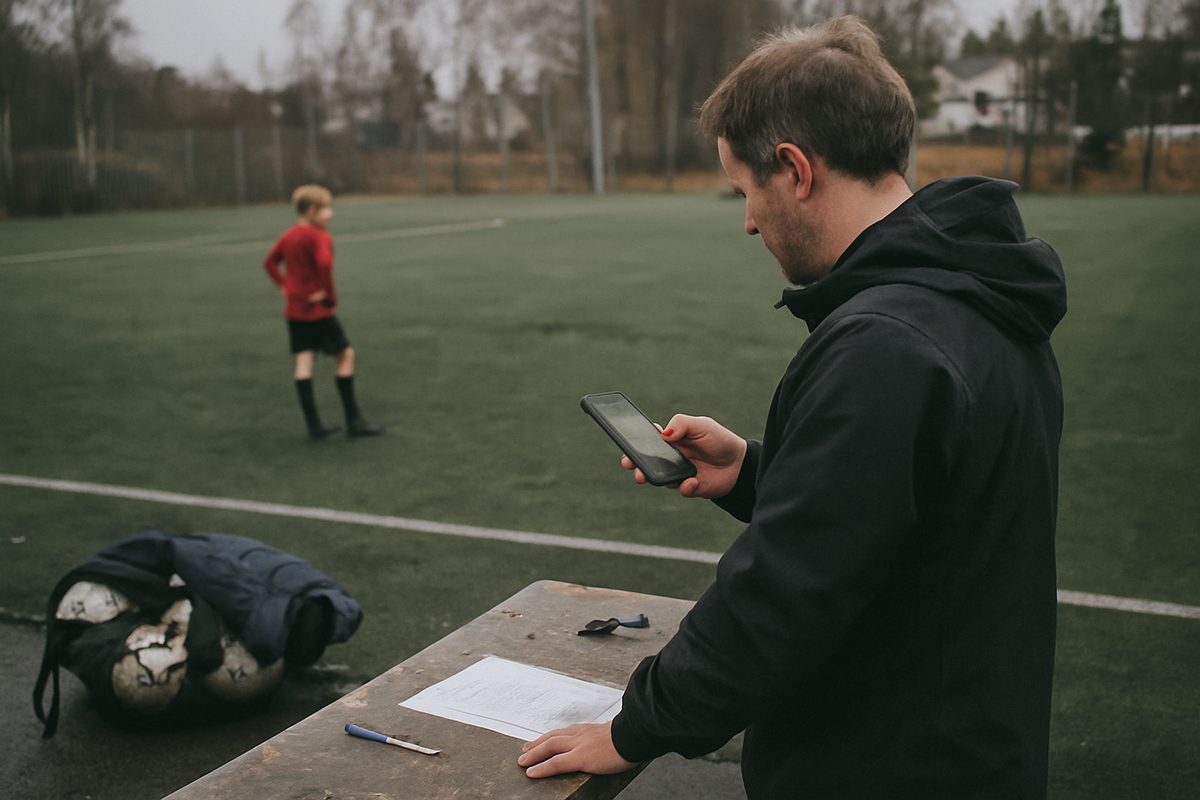
Registration takes under a minute per substitution if you do it during the match, five minutes after the match if you do everything at once. Many teams have a parent with a phone and the app stand next to the bench and enter substitutions while the coach concentrates on the game.
Communication that actually works
MyTeams doesn't replace all communication, but solves what goes wrong in group chats: parents who don't see messages on a busy day, or messages that drown in 50 new messages about something else.
When the team manager sends a message in the app – for example that Sunday's training is moved to artificial turf – everyone gets a push notification. The message appears under the team, not buried in chat history. Parents who check the app five hours later see it at the top.
Use the app for: - Changes to training or match times - Practical information before away matches (meeting place, what players should bring) - Reminders about deadlines (tournament registration, payment deadline)
Still use group chat for: social chat, photo sharing after the tournament, questions that need quick back-and-forth discussion.
Finances and membership fees
Enter what the team requires in membership fees or equipment costs, with amount and payment deadline. The app automatically sends information to parents, with the Vipps number or account number you provide. You mark who has paid, and immediately see who you need to remind.
This works best for teams with fixed amounts (season membership, tournament fee, team football boots). For teams with complicated finances – where some get sibling discounts, some pay through the club, others have been granted extensions – you still need a spreadsheet alongside, but the app at least gives a simple overview of the basics.
What the app doesn't do
MyTeams is not a complete club system. It doesn't handle registration with the Norwegian Football Association, match draws, or integration with Fiks (where matches are published). It doesn't replace the club's membership register.
It also doesn't replace the need for physical meetings. You still need a parents' meeting at the start of the season, and important discussions – such as distributing volunteer duties or handling a difficult situation – belong face to face, not in an app.
How to get everyone on board
An app is worthless if half the people don't use it. Here's how to get everyone on board:
Say clearly at the first parents' meeting: "We use MyTeams for matches, training and important messages. Download the app within this week." Send simple instructions: download, log in, check that you can see the next training session.
The first four weeks: send important messages both in the app and in the group chat, with a line in the chat: "More info in the MyTeams app." After four weeks: only send in the app. Those who haven't downloaded it will find out when they ask why they didn't know about the change.
Some parents will say they don't have room for more apps. Answer: "You don't need to check it every day, but when we send a message, you get a notification. It takes less time than scrolling through 80 chat messages to find the information."
What happens when something goes wrong
MyTeams runs on Norwegian servers and is subject to Norwegian privacy legislation. If the app is down – rare, but happens – you have group chat as backup for urgent messages.
If a parent deletes the app by mistake, they log in again with the same username, and all information is still there. If the team manager quits mid-season, you can transfer administrator access to another parent without losing data.
If a player leaves the team, you remove the player from the app. The family then loses access to the team, but can still use the app if they have other children on other teams.
Worth it for your team?
MyTeams provides most value to teams where: - You struggle to get an overview of who can play - You want playing time statistics without counting manually - You spend too much time chasing parents about payment or responses to messages
MyTeams provides less value to teams where communication already works excellently, where you have few matches in the season, or where the players are so young that team selection and statistics don't matter.
Test it for one season. If after ten matches you're still creating the lineup on paper and sending messages in five places, you're either using it wrong or don't need it. If, however, you find that it took three minutes to work out who can play on Saturday, and that for the first time in three years you know exactly who still needs to pay – then it's solving what it should.

